
LinkTask runs the whole life of a work order: dispatch the technician, track the status, collect photos and sign-offs, quote, invoice, pay the crew and watch the margin — on the web, on Windows and on every phone.
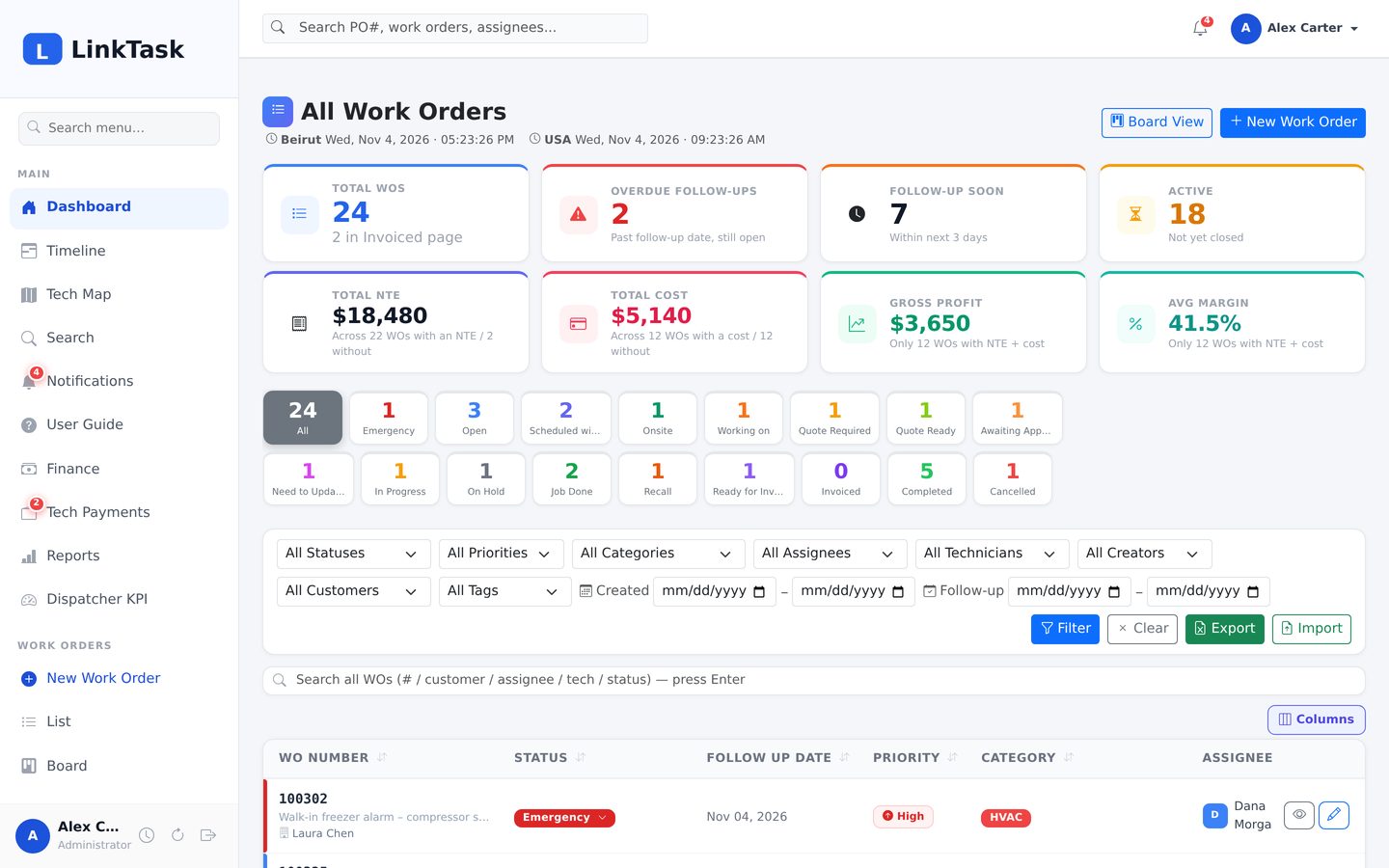
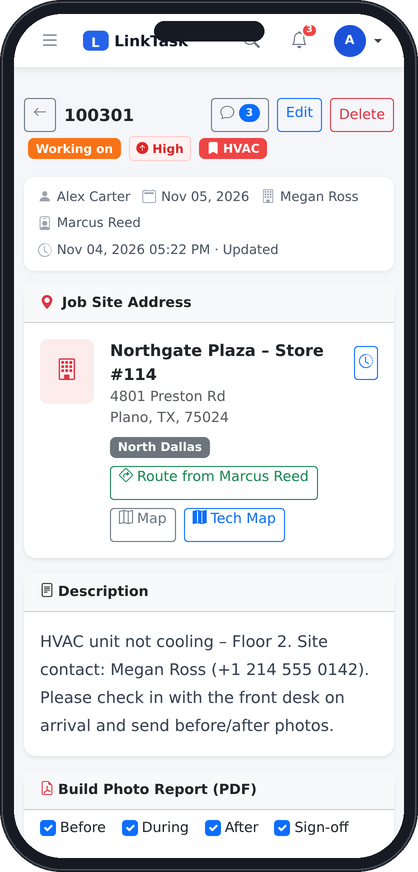
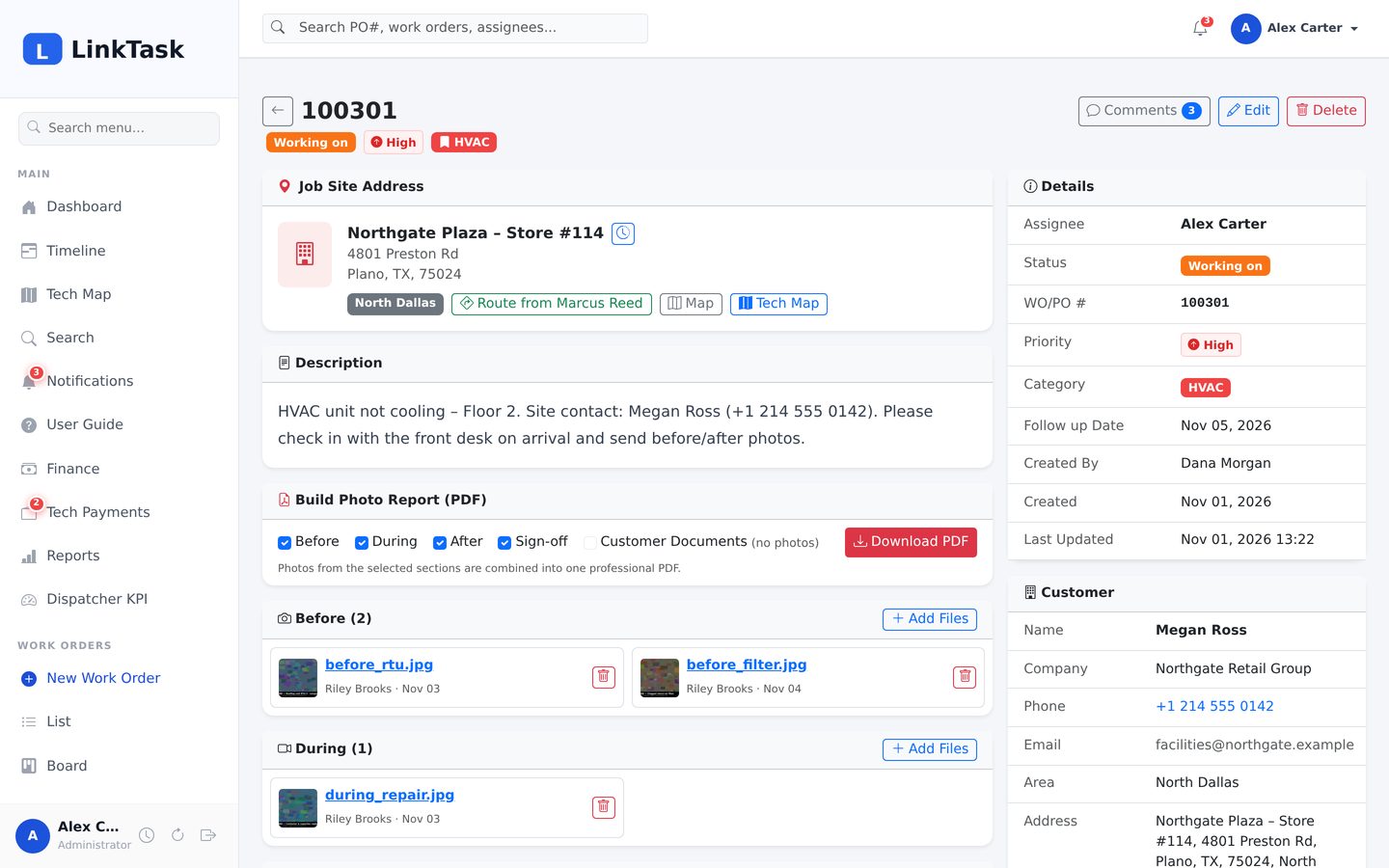
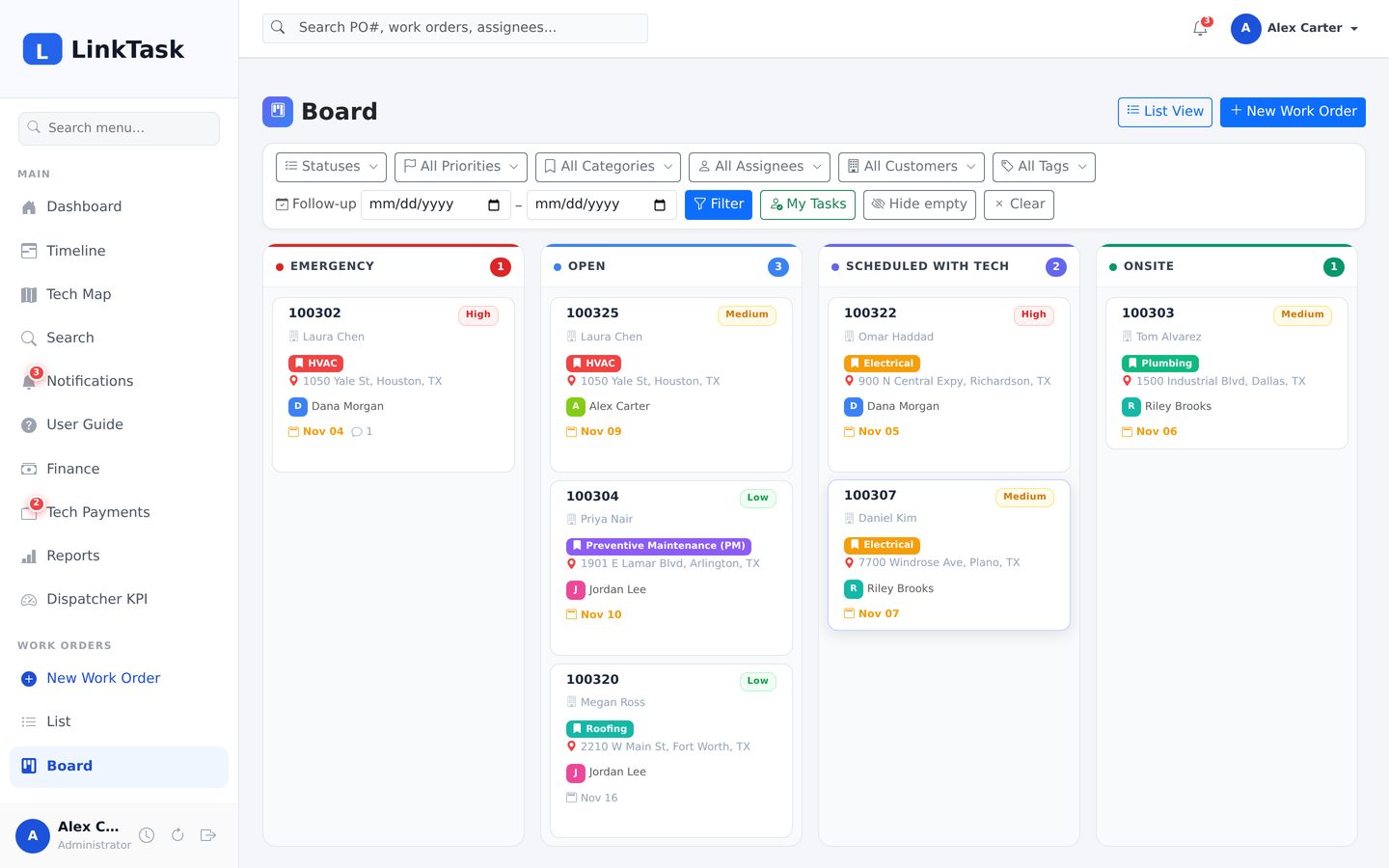
Dispatch, field documentation, quoting, invoicing and finance work together out of the box. Here are the essentials — see the full feature list →
Dispatch, status, follow-ups, photos, quotes, invoices and payments on one page per job.
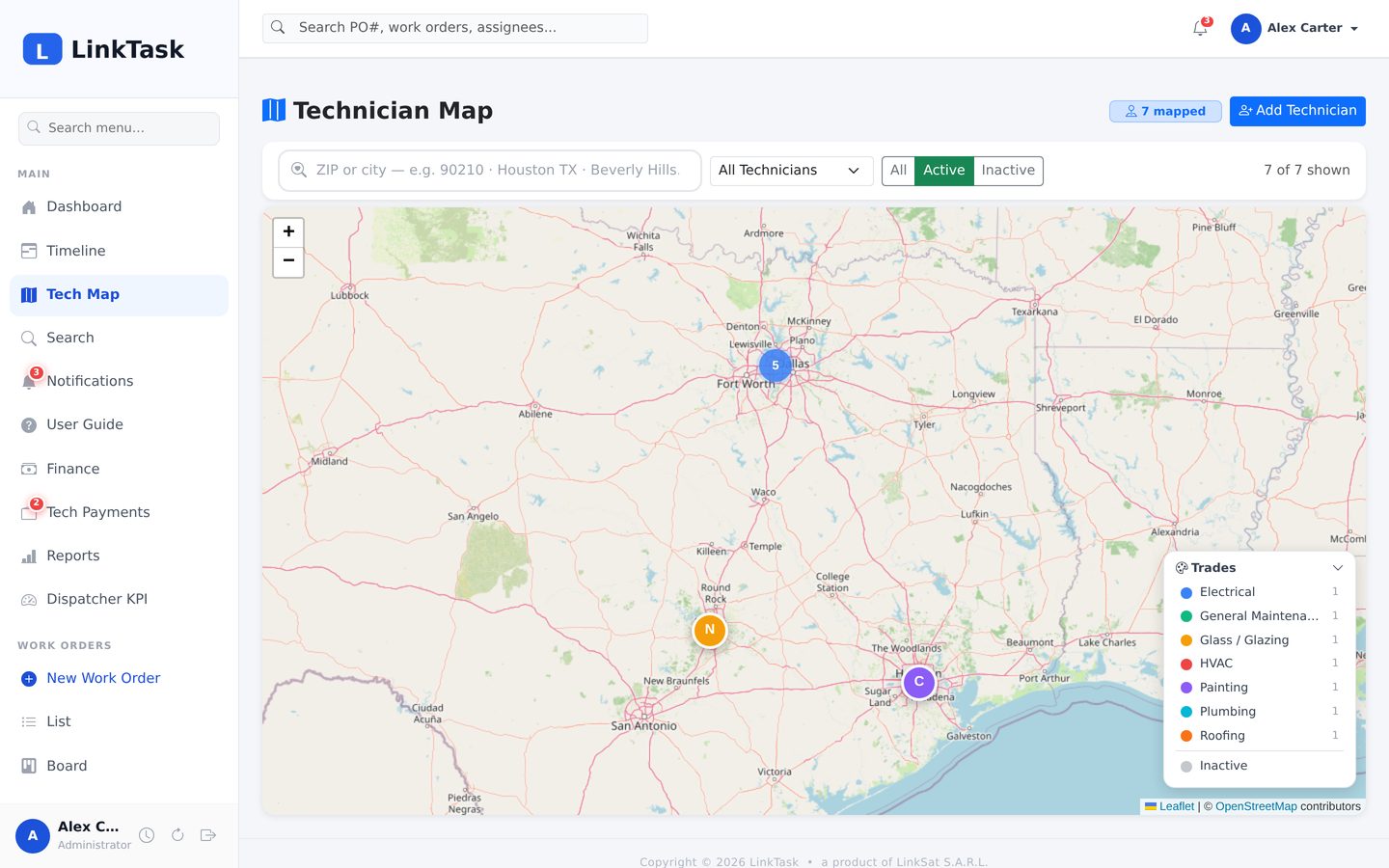
Kanban columns, a Gantt timeline and a technician map with radius search.
Customer-ready PDF reports and printable sign-off sheets from the photos your crew uploads.
Approve a quote and the job’s NTE sets itself; invoice it, mark it paid, see the margin.
Bell, browser, mobile and email — with automatic reminders for stalled jobs.
White-label name, logo and colours on a private instance with daily backups.
Each step leaves a trace in the activity log, and stalled jobs remind you by themselves.
Create the work order with the PO number, customer, job site and priority — or import a batch from Excel.
Pick the assignee and the field technician; they are notified by bell, push and email.
The crew uploads before, during and after photos, posts comments and gets the sign-off sheet signed.
Send a proposal; approving it sets the job’s NTE and scope automatically.
Create or upload the invoice, send the photo report, move the job to the Invoiced list.
Mark it paid, pay the technician, watch margin and receivables on the finance page.
Your own status list drives the dashboard chips, the board columns, the timeline and the alarms.
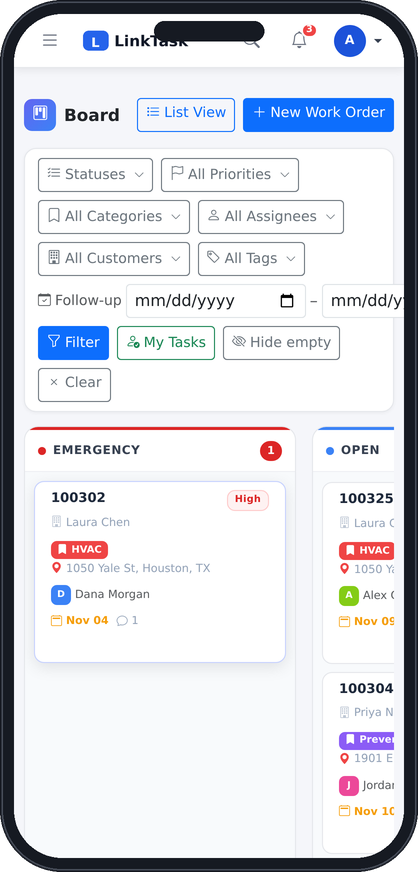
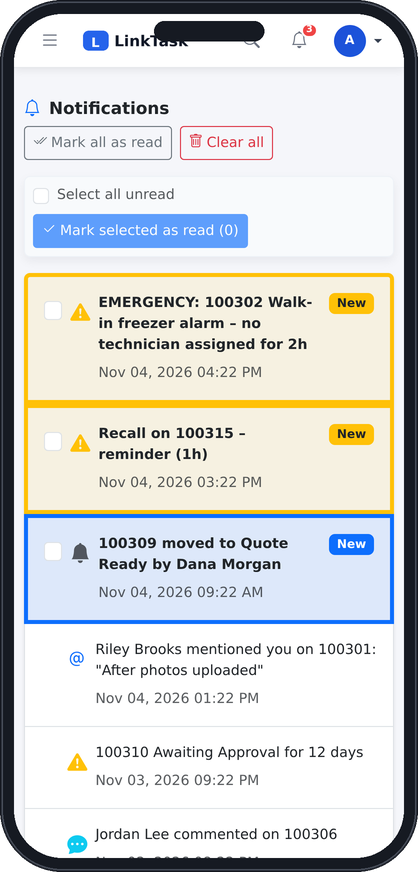
The office works in the browser or the Windows desktop app. Crews and managers on the road open the same LinkTask on their phone — the menu collapses, tables scroll, photos upload from the camera — with push notifications for assignments, mentions and alarms.
Each company runs its own LinkTask instance with its own database — hosted by LinkSat or on your server.
Name, logo, colours, currency and contact details applied to every page, PDF and email.
Automatic backups every day, a copy kept on a second server, and one-click restore.
Who changed what and when, per-user activity reports, five roles with clear limits.
Request a live demo and we will give you a login on a demo instance with sample work orders — or walk you through it on a call.
