WhatsApp us
LinkTaskby LinkSat S.A.R.L.
LinkTask › Tour

See LinkTask in action

Screenshots from our demo instance with sample customers, technicians and jobs — the same build our customers run.

Web app

The screens your team uses every day

Desktop-size captures. Every screen also works on a tablet or phone — or ask for a live-demo login and click through yourself.
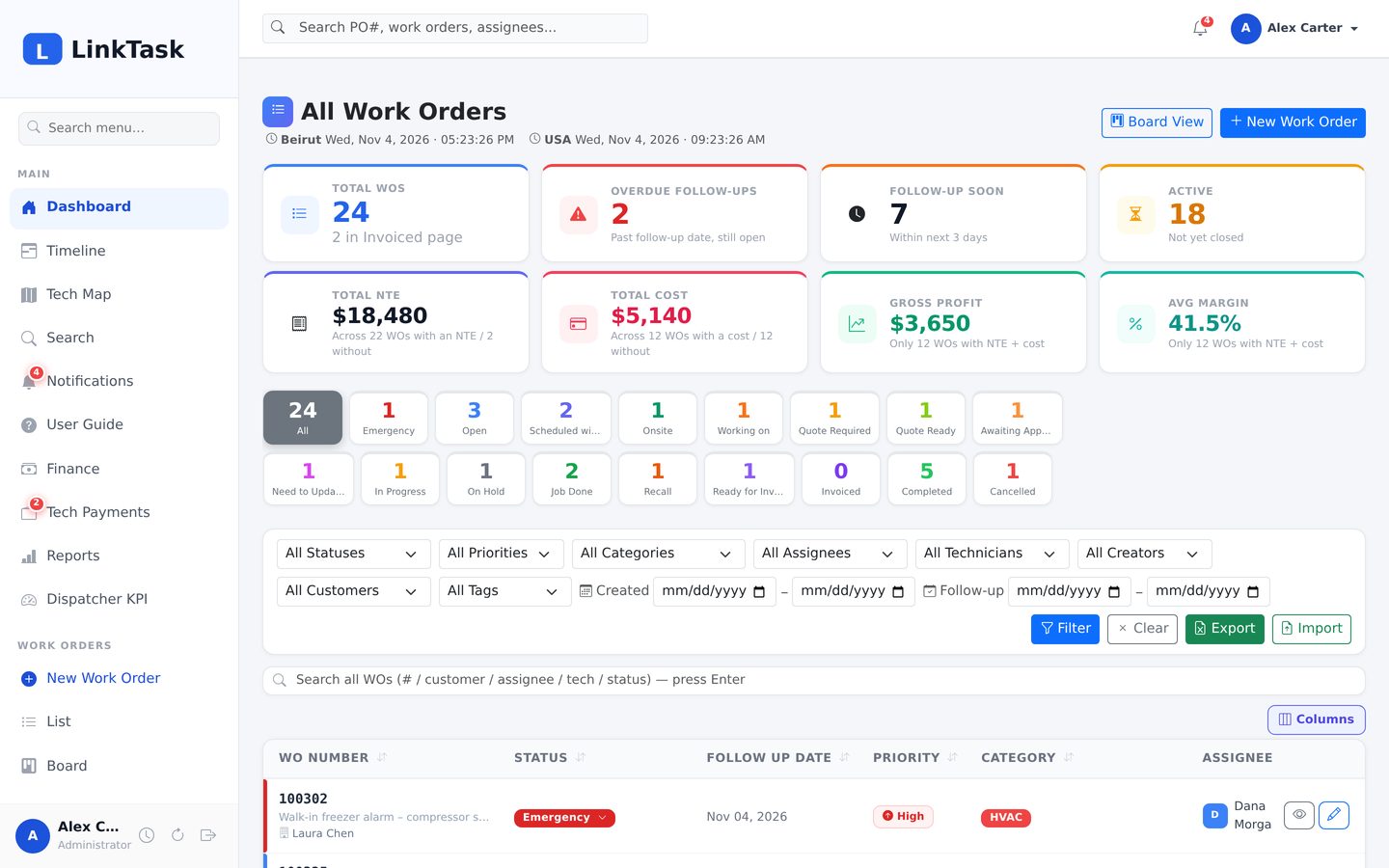
LinkTask Dashboard
Dashboard — KPI tiles, status chips with live counts, filters and the work-order list
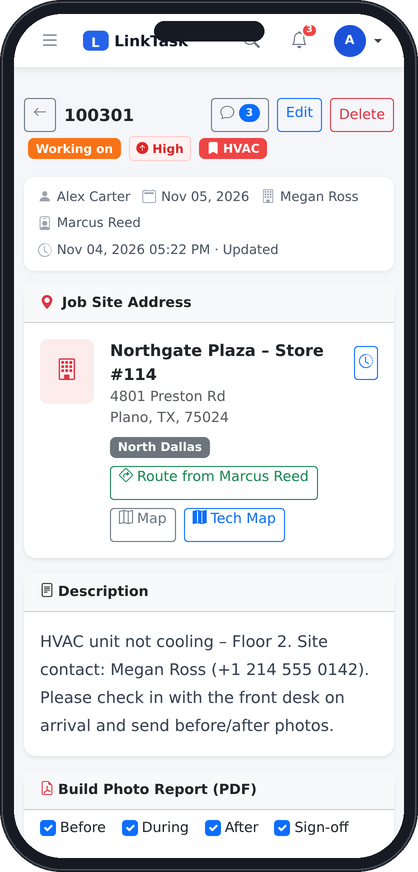
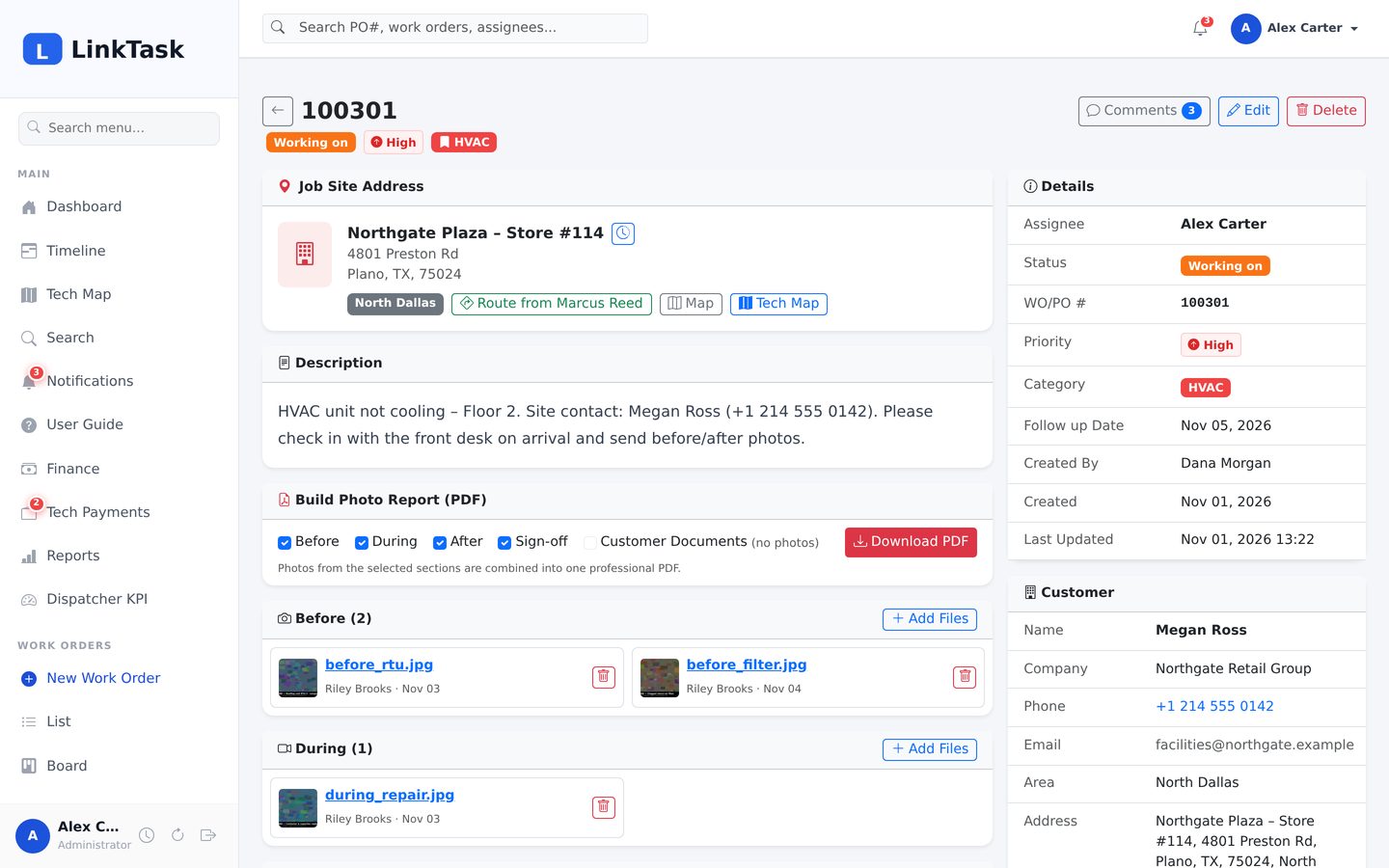
LinkTask Work order
Work order — Job site, details, customer, photos by section, comments and the photo-report builder
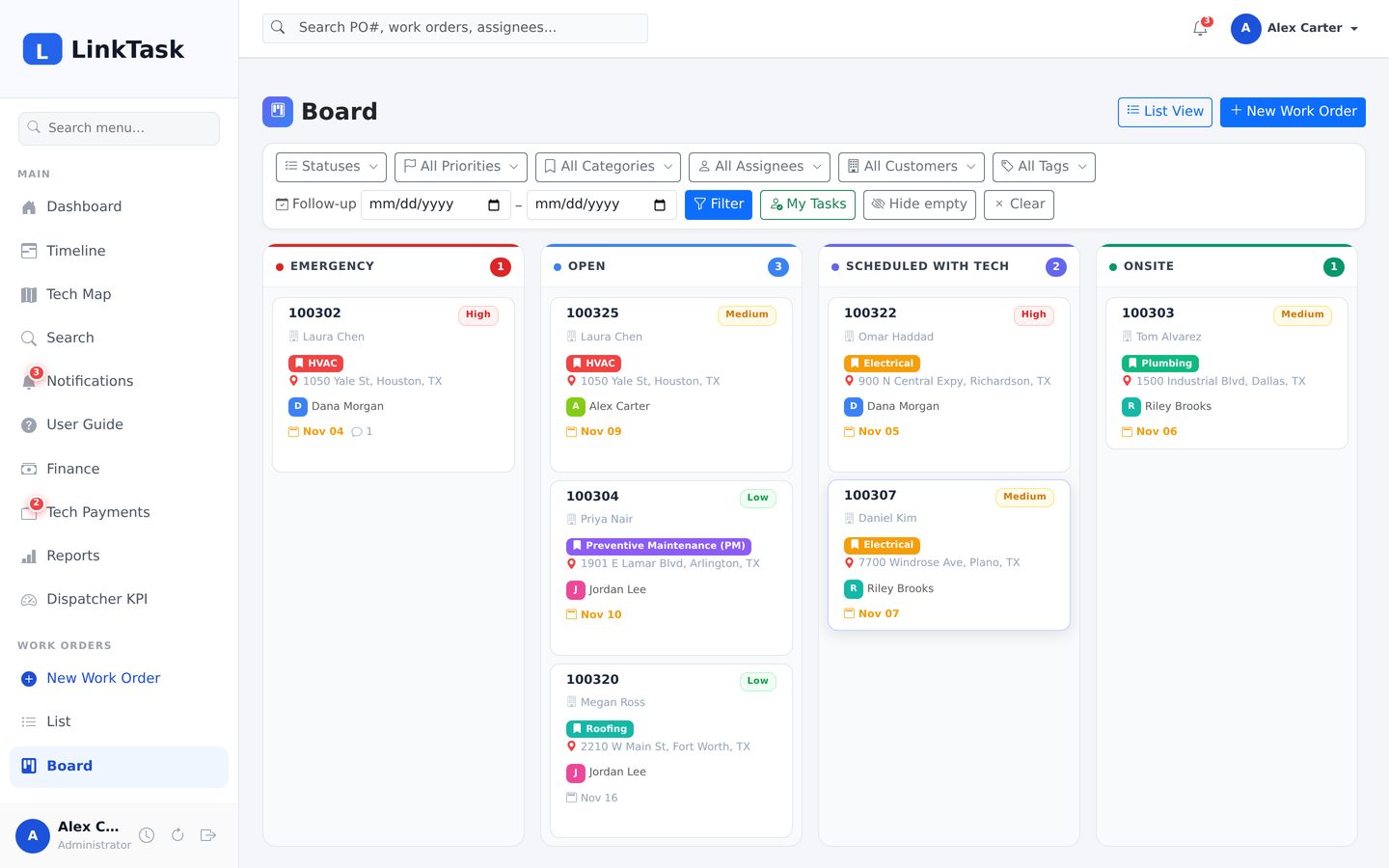
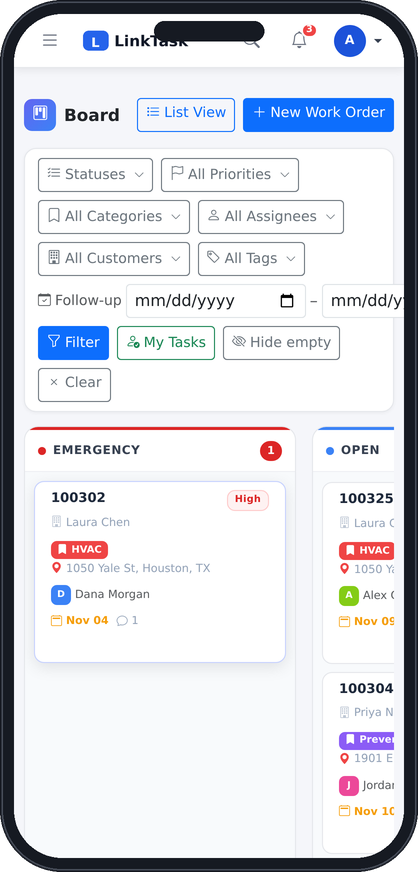
LinkTask Board
Board — Kanban columns per status — drag a card to change status
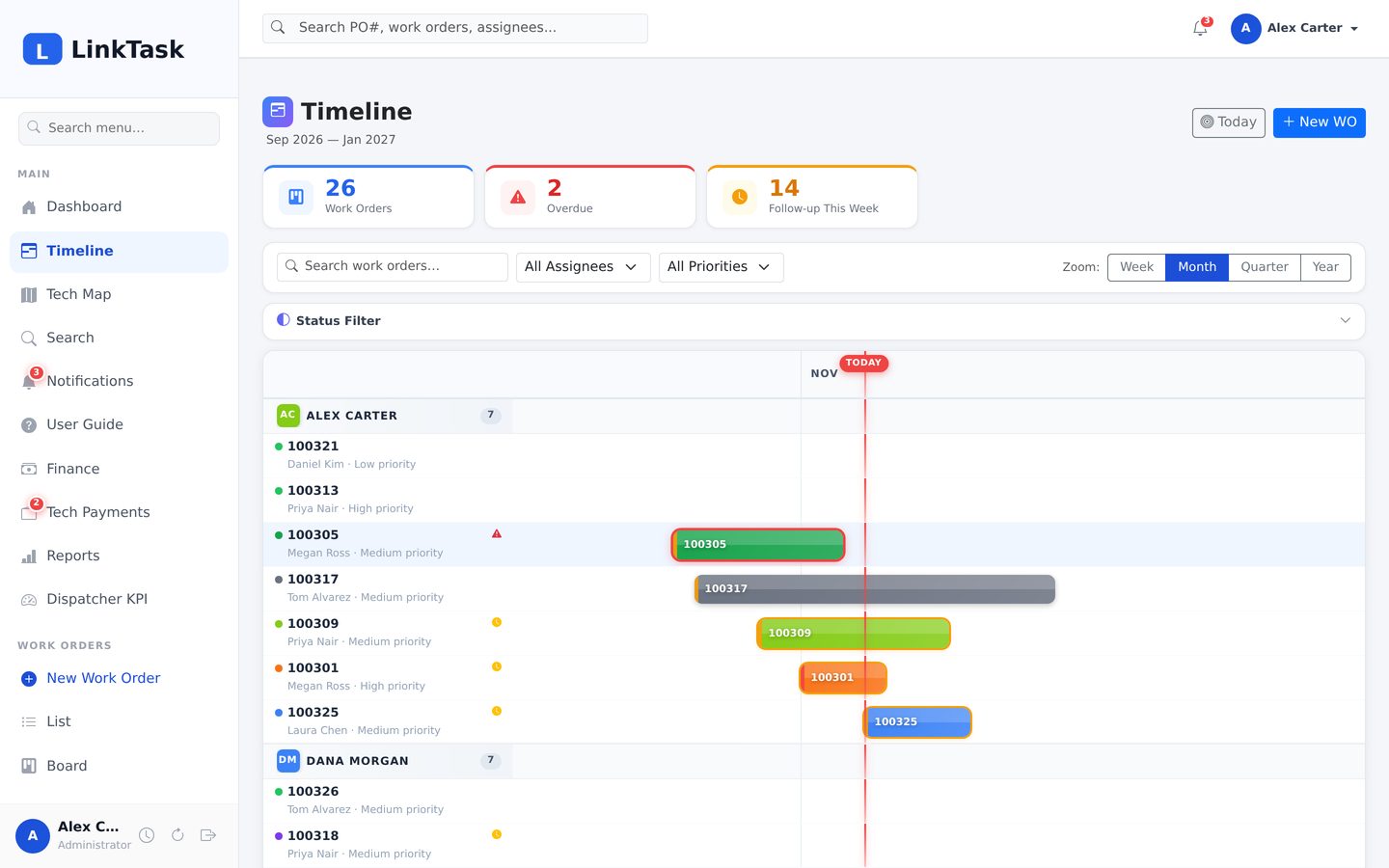
LinkTask Timeline
Timeline — Gantt view per assignee; overdue bars pulse, due-soon bars are ringed
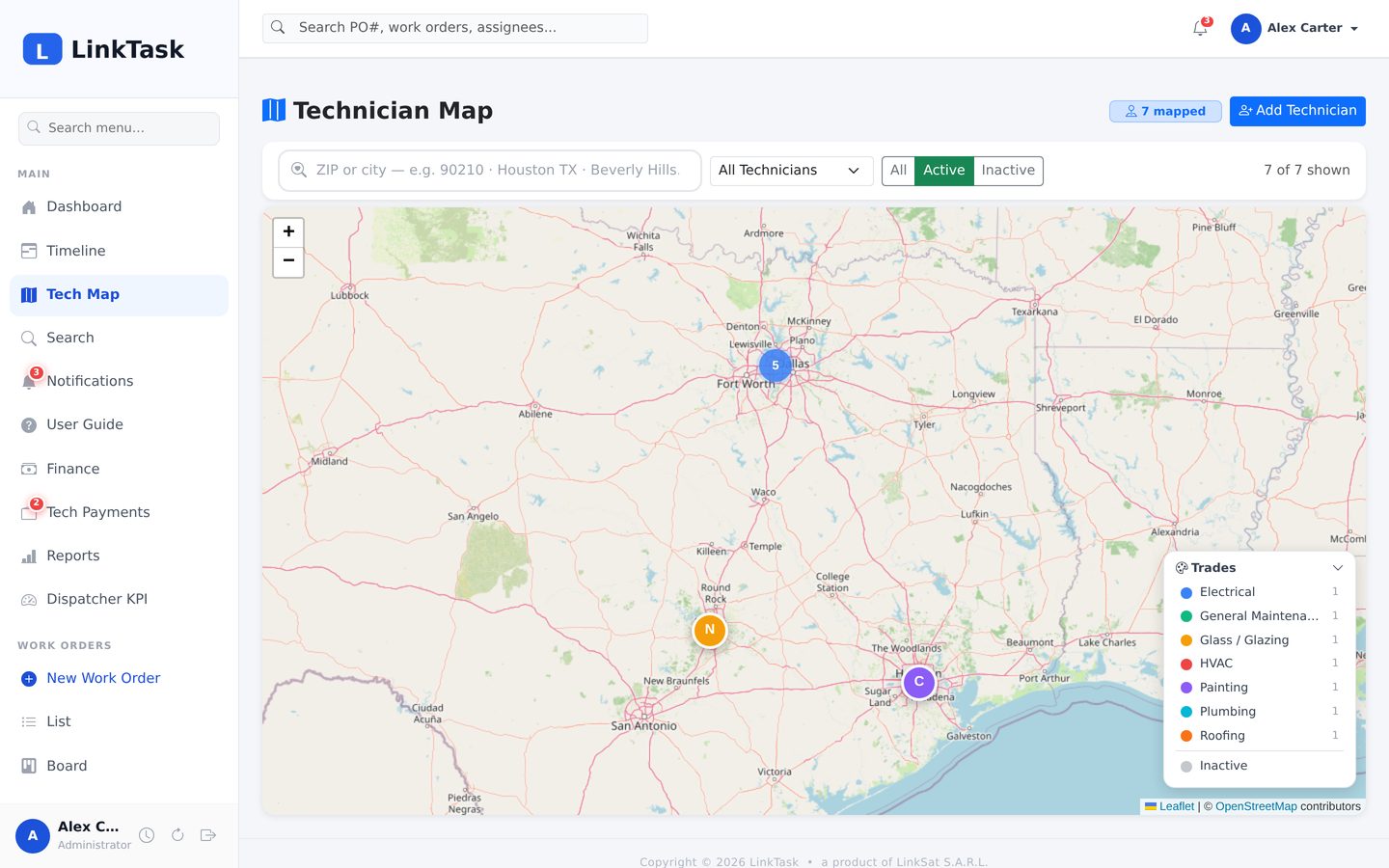
LinkTask Technician map
Technician map — Crew on a map with trade filter and radius search
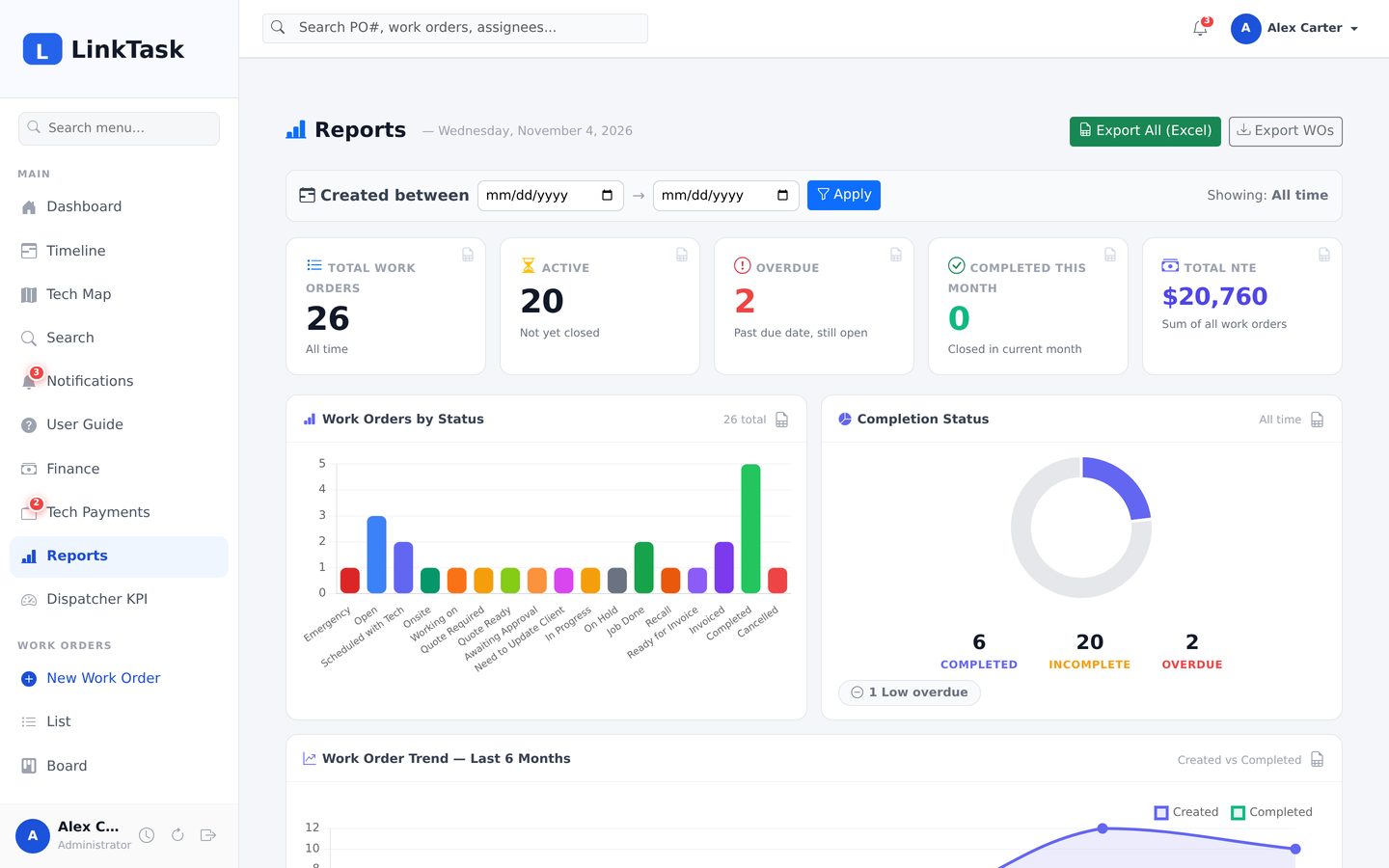
LinkTask Reports
Reports — Charts by status, technician, customer and priority, each with Excel export
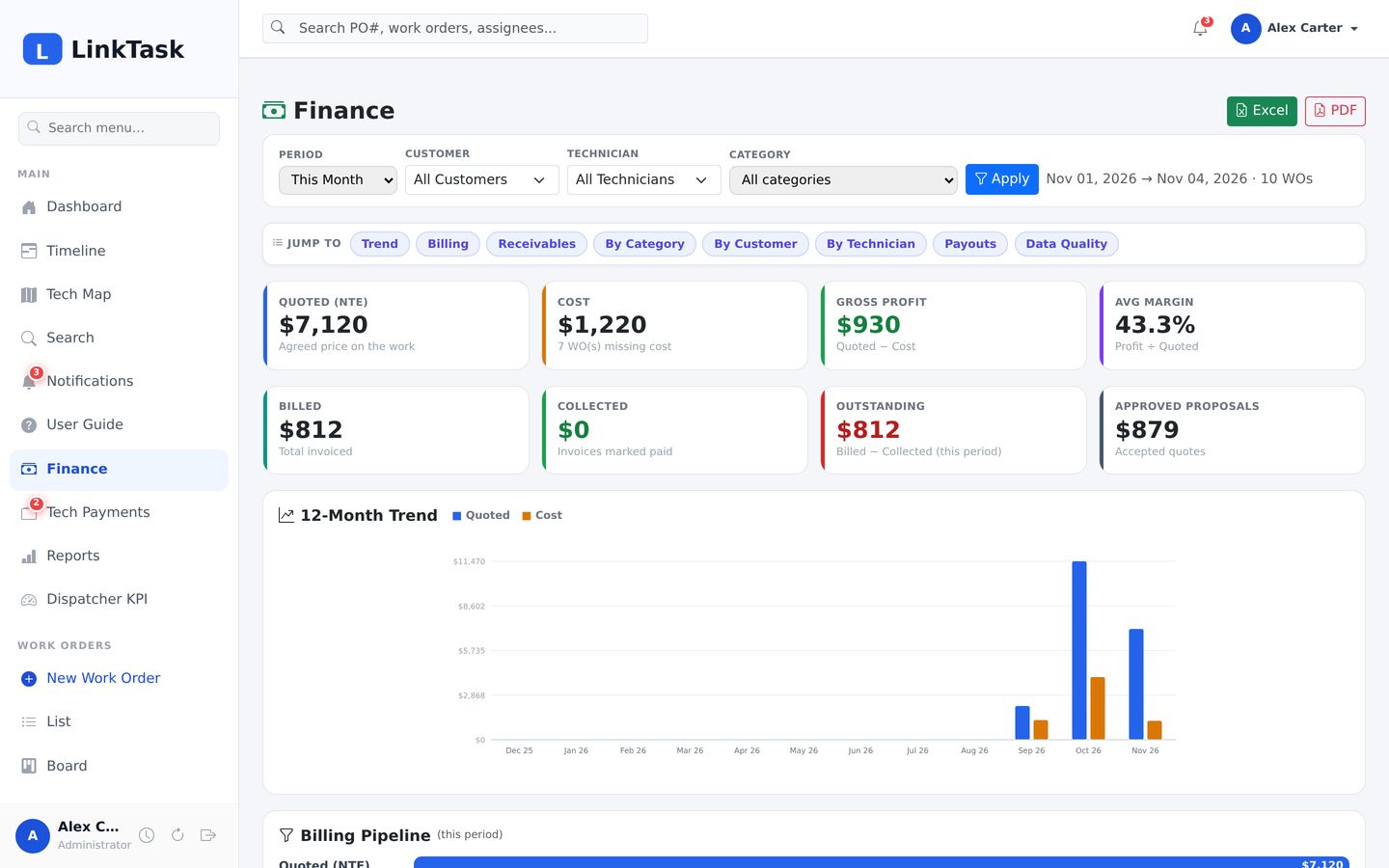
LinkTask Finance
Finance — Quoted, cost, profit, billed, collected, outstanding and a 12-month trend
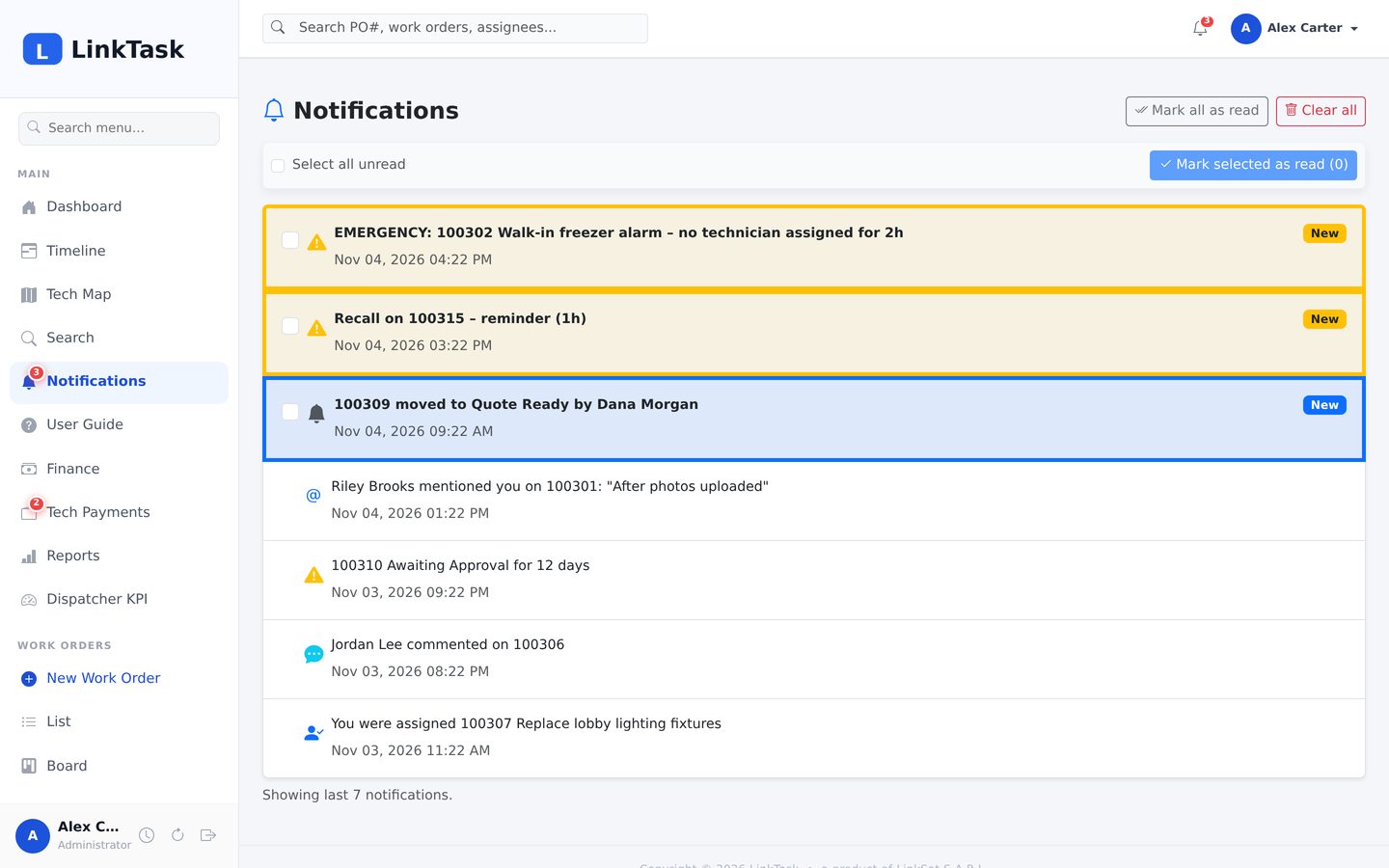
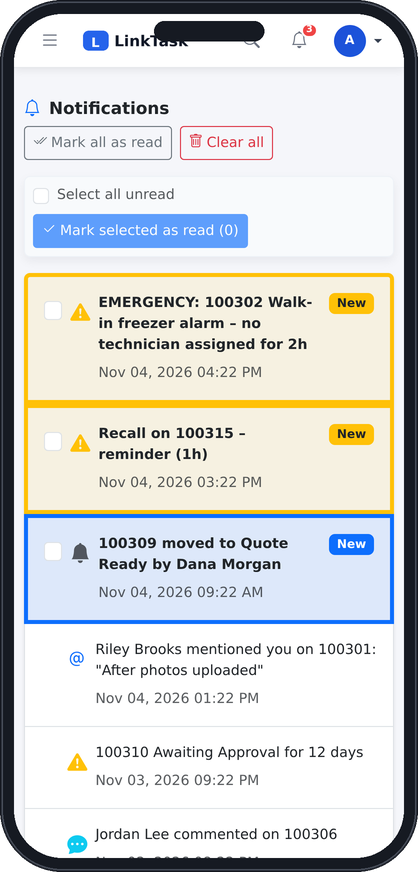
LinkTask Notifications
Notifications — Emergency, recall and reminder alerts with new/read state
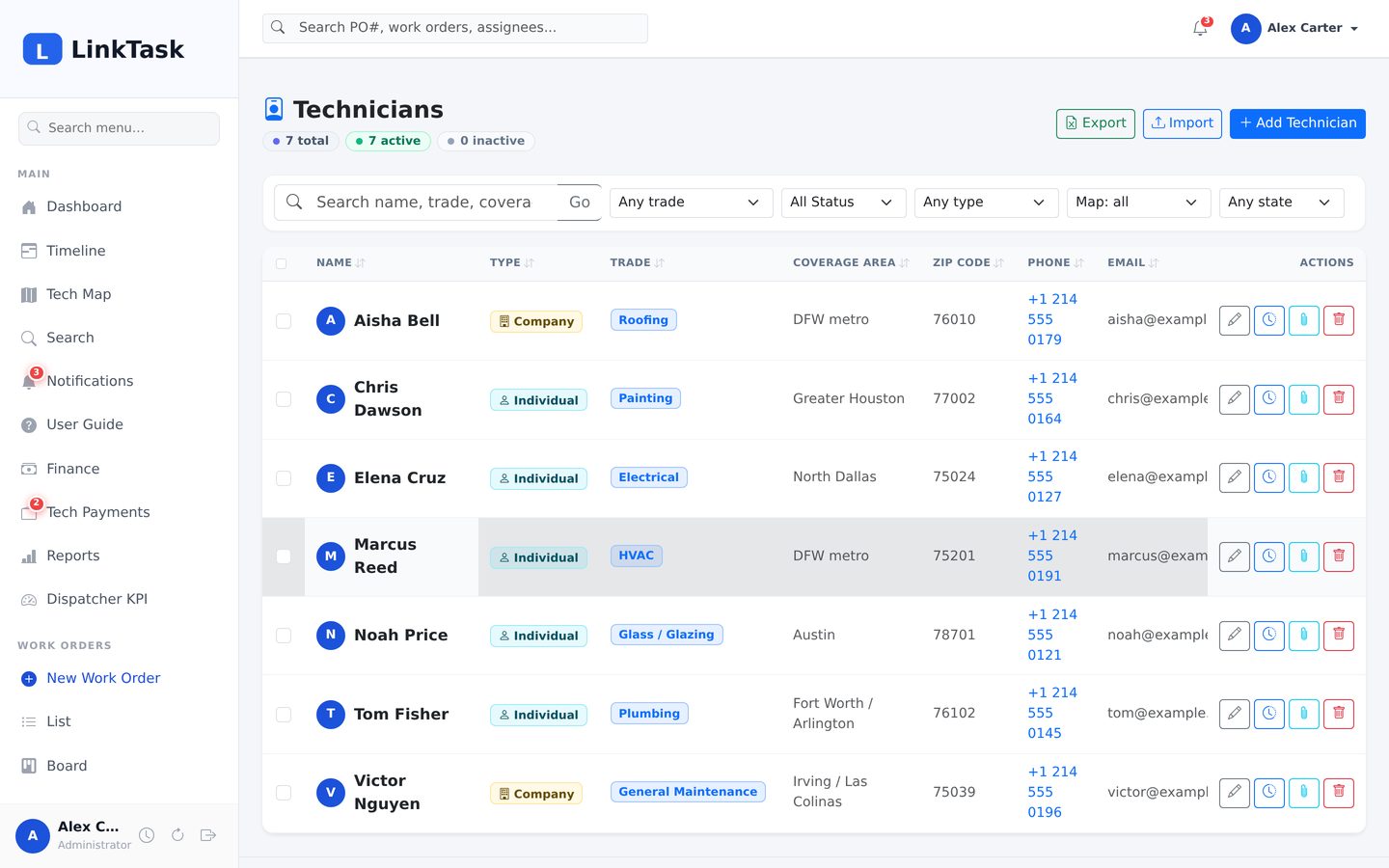
LinkTask Technicians
Technicians — Trades, coverage, ZIP, phone, email and the active toggle
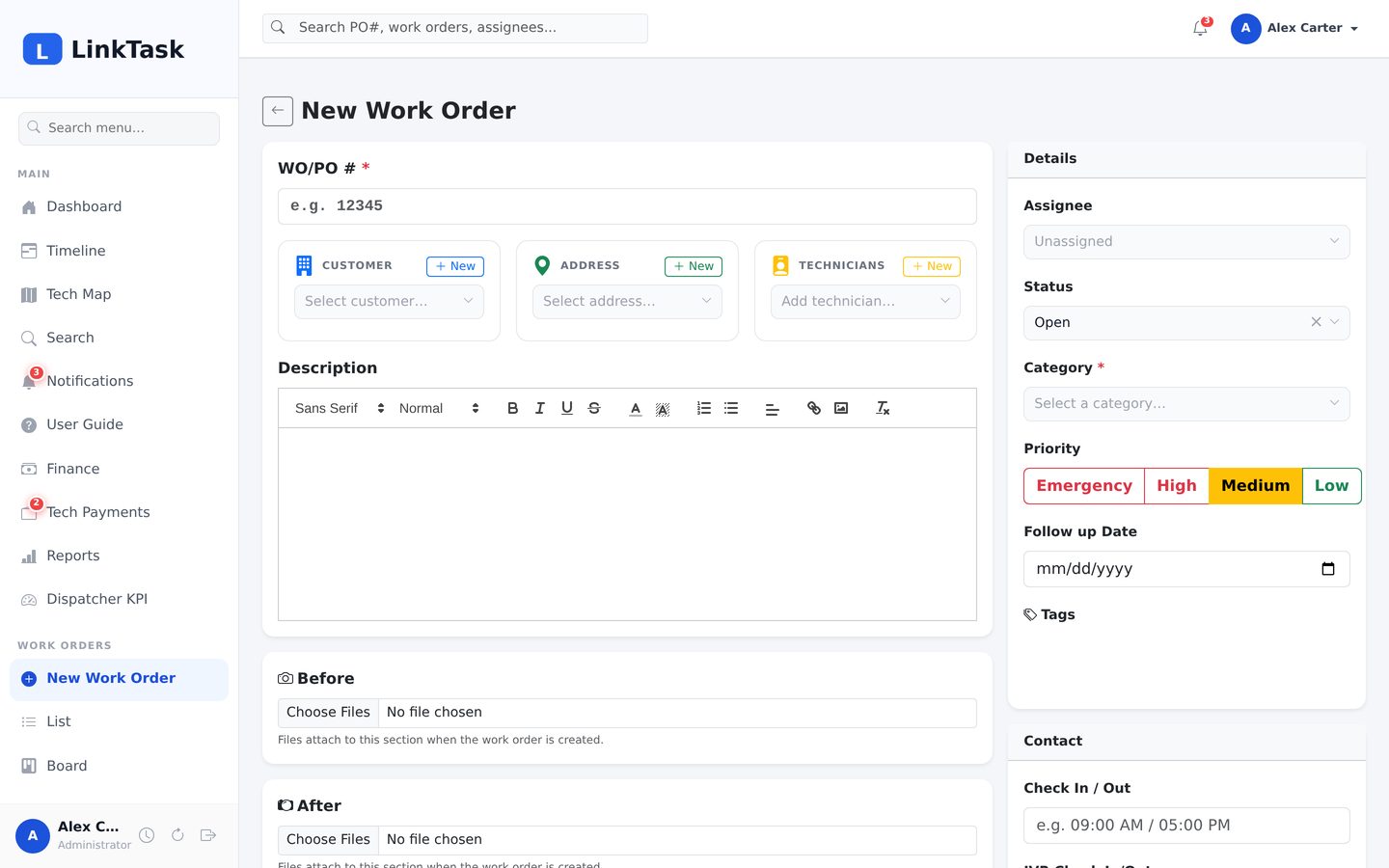
LinkTask New work order
New work order — PO number, customer, address and technician pickers with inline create
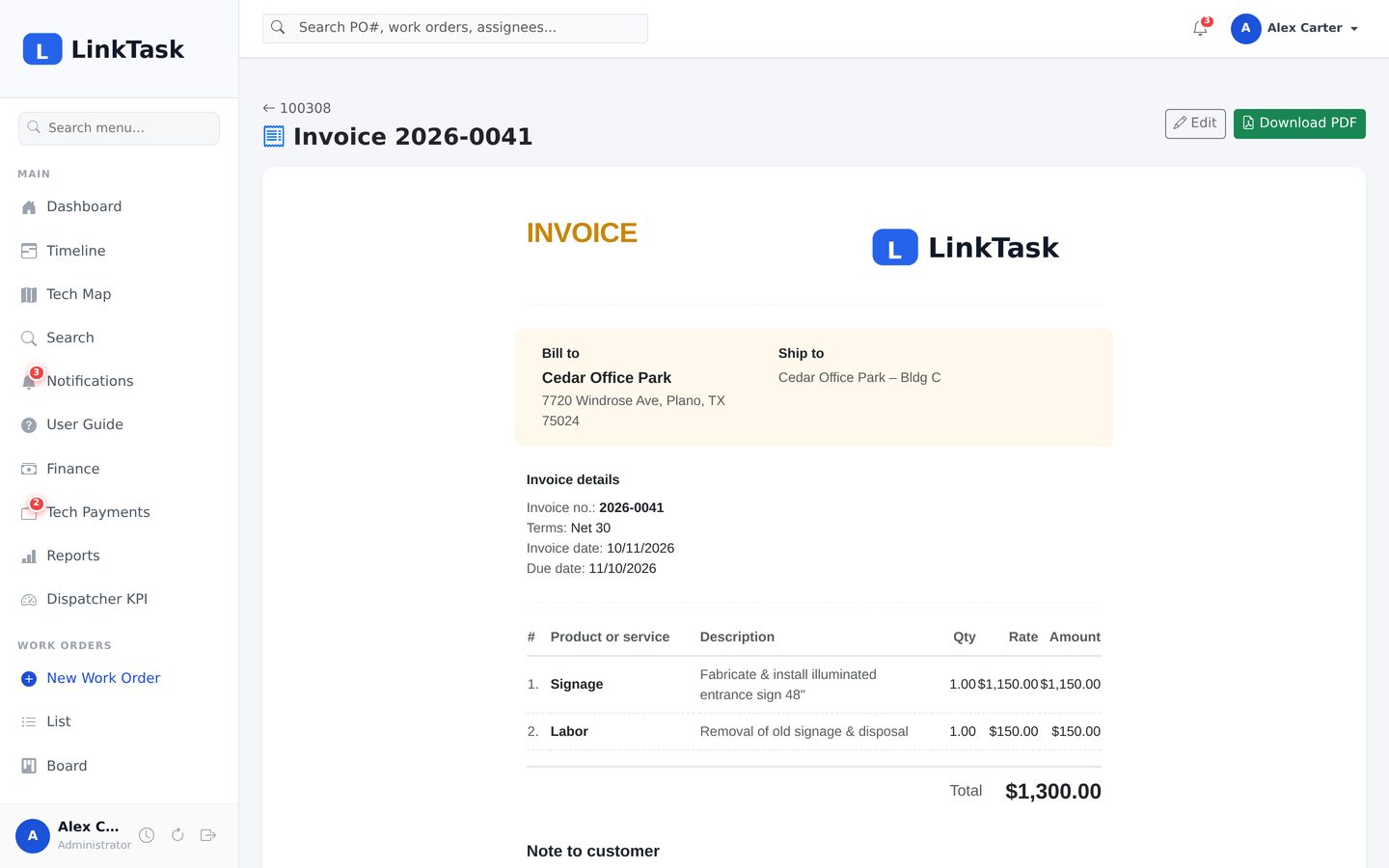
LinkTask Invoice
Invoice — Branded invoice with line items and a one-click PDF
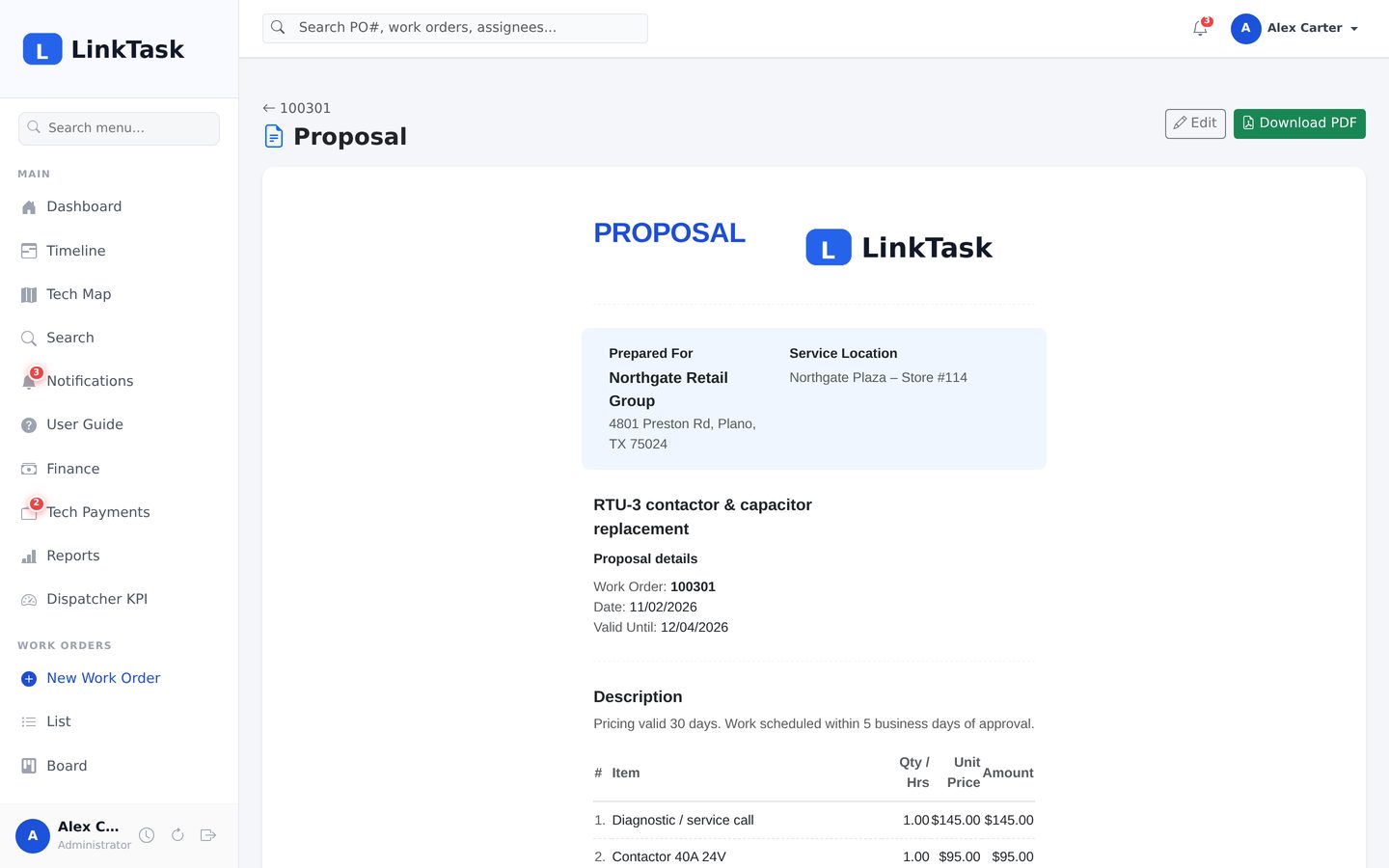
LinkTask Proposal
Proposal — Quote with line items, tax, validity and approve / decline
Try the live demo
LinkTask board on a phoneLinkTask work order on a phoneLinkTask notifications on a phone
Web · Windows · phone & tablet

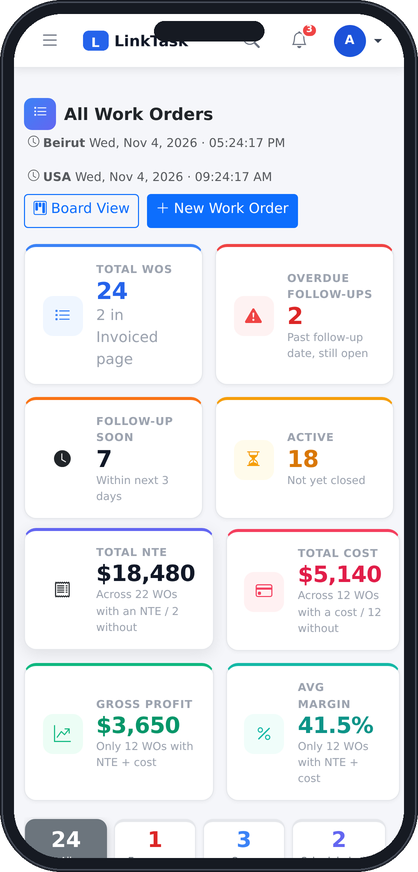
The same LinkTask on a phone

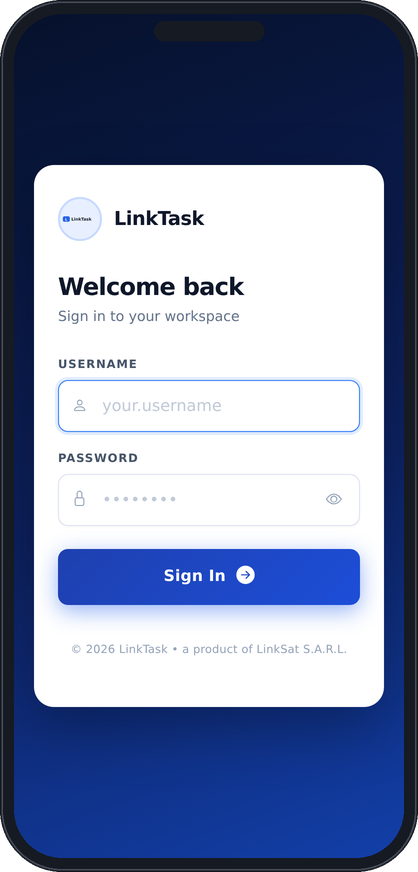
The office works in the browser or the Windows desktop app. Crews and managers on the road open the same LinkTask on their phone — the menu collapses, tables scroll, photos upload from the camera — with push notifications for assignments, mentions and alarms.
  • Nothing to install for the browser; one small installer for Windows
  • Push notifications on desktop and mobile, email as a fallback
  • Camera uploads from the job site, comments and sign-offs on the spot
  • Every role sees only what it is allowed to
Dashboard on a phoneSign-in on a phoneBoard on a phone
Roles

One system, five points of view

Administrator

Everything — users, finance, reports, branding, backups, notification rules and the audit log.

Project Admin

Runs the jobs: any work order, invoices, proposals, statuses, master data — without the financial figures.

Supervisor & Editor

Create and manage work orders, customers and technicians; editors handle only the jobs they own.

Commentor

View jobs and add comments and photos — for field crews, subcontractors or a customer contact.

Get started

See LinkTask with your own jobs

Request a live demo and we will give you a login on a demo instance with sample work orders — or walk you through it on a call.