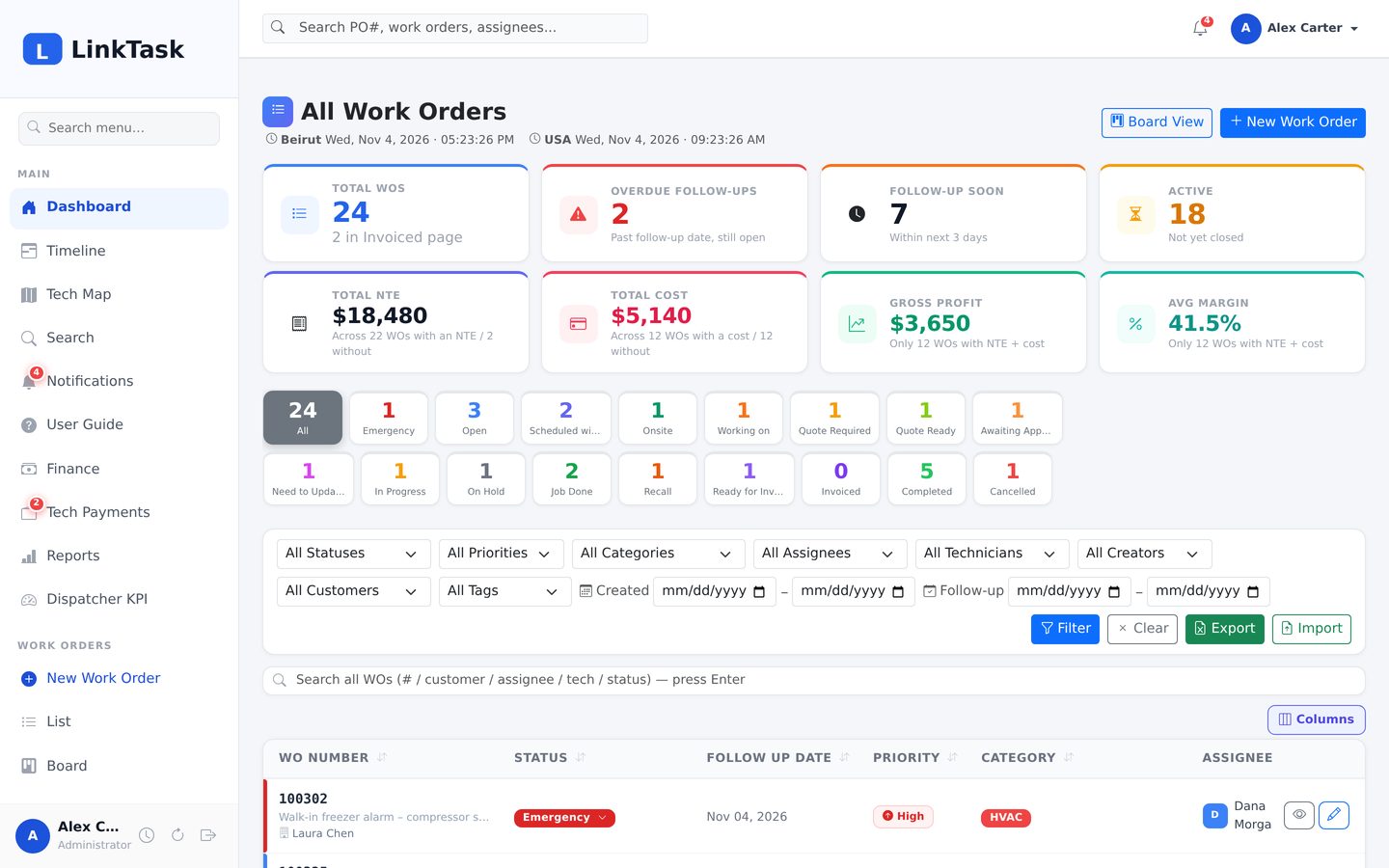
A real LinkTask instance with sample customers, technicians, work orders, quotes and invoices. Ask us for a demo login and click around at your own pace.
The demo runs the same build our customers use, loaded with sample data. Request a login and we send you personal demo credentials — then create, edit and move jobs around as you like; the demo data is reset regularly, so nothing you do is permanent.
Demo access is personal, so we can show you the right role and follow up properly. It takes one message.
Send us a short request — your name, company and what you service. WhatsApp, email or the form.
Request demo accessWe reply within one business day with a personal demo login for the role you want to see — field, dispatch or administrator.
Open the demo on your computer or phone, click through 26 sample jobs, build a photo report, approve a quote, invoice it.
Open the demo sign-inPlease do not enter real customer data in the demo — it is shared and wiped regularly.
Create the work order with the PO number, customer, job site and priority — or import a batch from Excel.
Pick the assignee and the field technician; they are notified by bell, push and email.
The crew uploads before, during and after photos, posts comments and gets the sign-off sheet signed.
Send a proposal; approving it sets the job’s NTE and scope automatically.
Create or upload the invoice, send the photo report, move the job to the Invoiced list.
Mark it paid, pay the technician, watch margin and receivables on the finance page.
Tell us about your company and we will set up your own private instance with your branding — or walk you through the administrator side on a call.
